Here is an uncomfortable possibility. If your dental website runs the same Google and Meta tracking that most web designers install by default, your practice is very likely sending patient-identifying information to companies that never signed a contract to protect it. You will not feel it happening. Nothing on the site looks broken. But the exposure is already there, and it has put practices far smaller than yours in front of regulators and plaintiff’s attorneys.
This is not a scare piece. It is a description of how ordinary website tools behave, why that behavior is a HIPAA problem for a dental practice specifically, and how to fix it in about an afternoon.
Yes, HIPAA applies to your practice
It is easy to assume HIPAA is a hospital problem. It is not. A dental practice is a covered entity under HIPAA as soon as it transmits health information electronically for things like insurance claims and eligibility checks, which is nearly every practice. That makes the full weight of the rules apply to you, including the rule that governs vendors who touch patient data.
The other common assumption is that the marketing website is separate from anything HIPAA cares about. Also not true. The information moving through your website, an appointment request, a contact form, the pages a visitor reads, can be protected health information. HIPAA does not stop at the door of your records system.
What is actually leaking
On a typical dental site, the leak shows up in a few predictable places.
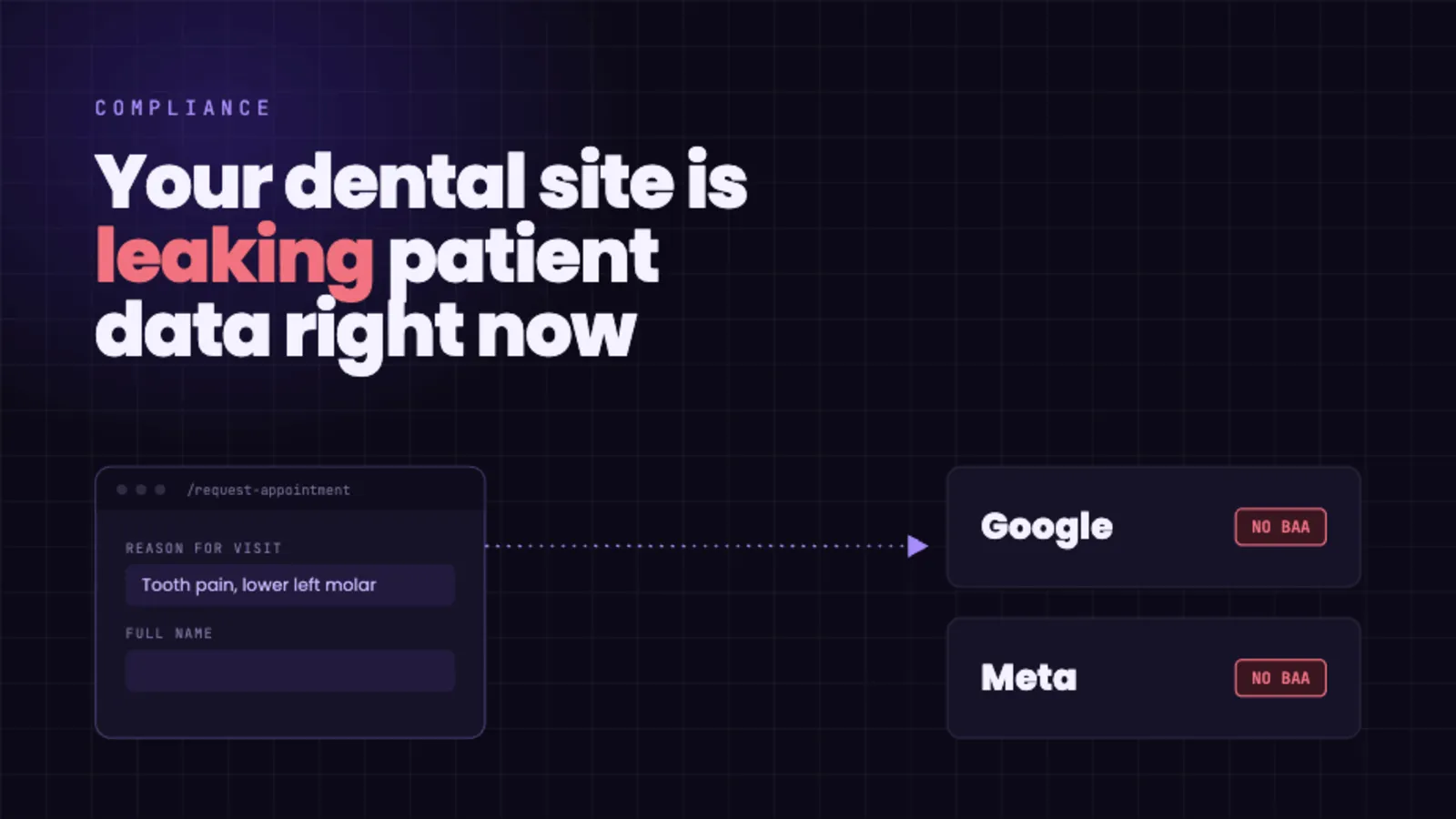
- The booking or contact form. Name, email, phone, and often a reason for the visit, such as an emergency extraction or an implant consultation. Advertising pixels and tag managers can capture these fields, in some cases automatically, and send them out.
- The page paths themselves. URLs like
/services/dental-implants,/emergency-dentist, or/sedation-dentistrydescribe what a visitor is looking into; tied to identifying data like a form submission, a logged-in session, or details the visitor enters, they point to a specific person’s dental situation. - The extras. The tap on a “Request appointment” button, the chat widget, the tracked phone number. All of it can be logged and transmitted as event data.
Each of those gets sent to analytics and advertising companies that, for these products, have not signed a Business Associate Agreement with you. For a step-by-step look at how a single pixel does this, see Anatomy of a PHI Leak.
Why this counts as a violation
HIPAA requires a signed Business Associate Agreement with any vendor that handles protected health information on your behalf. The major ad and analytics platforms do not offer one for these tools, and their own terms tell you not to send them health data. So when patient-identifying data about a dental visit reaches them with no BAA in place, the violation is the transmission itself. You do not have to be hacked, and you do not have to be audited.
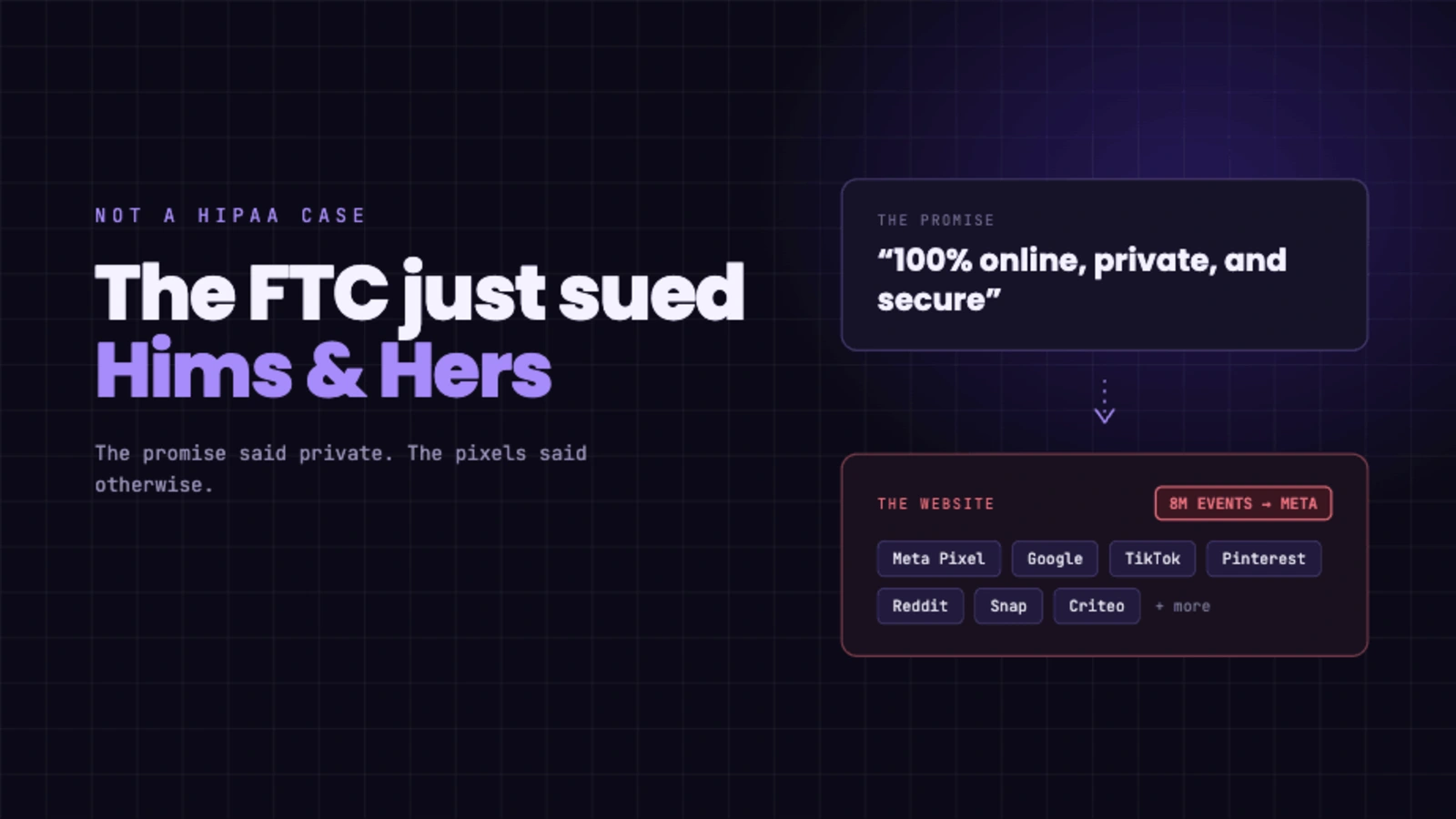
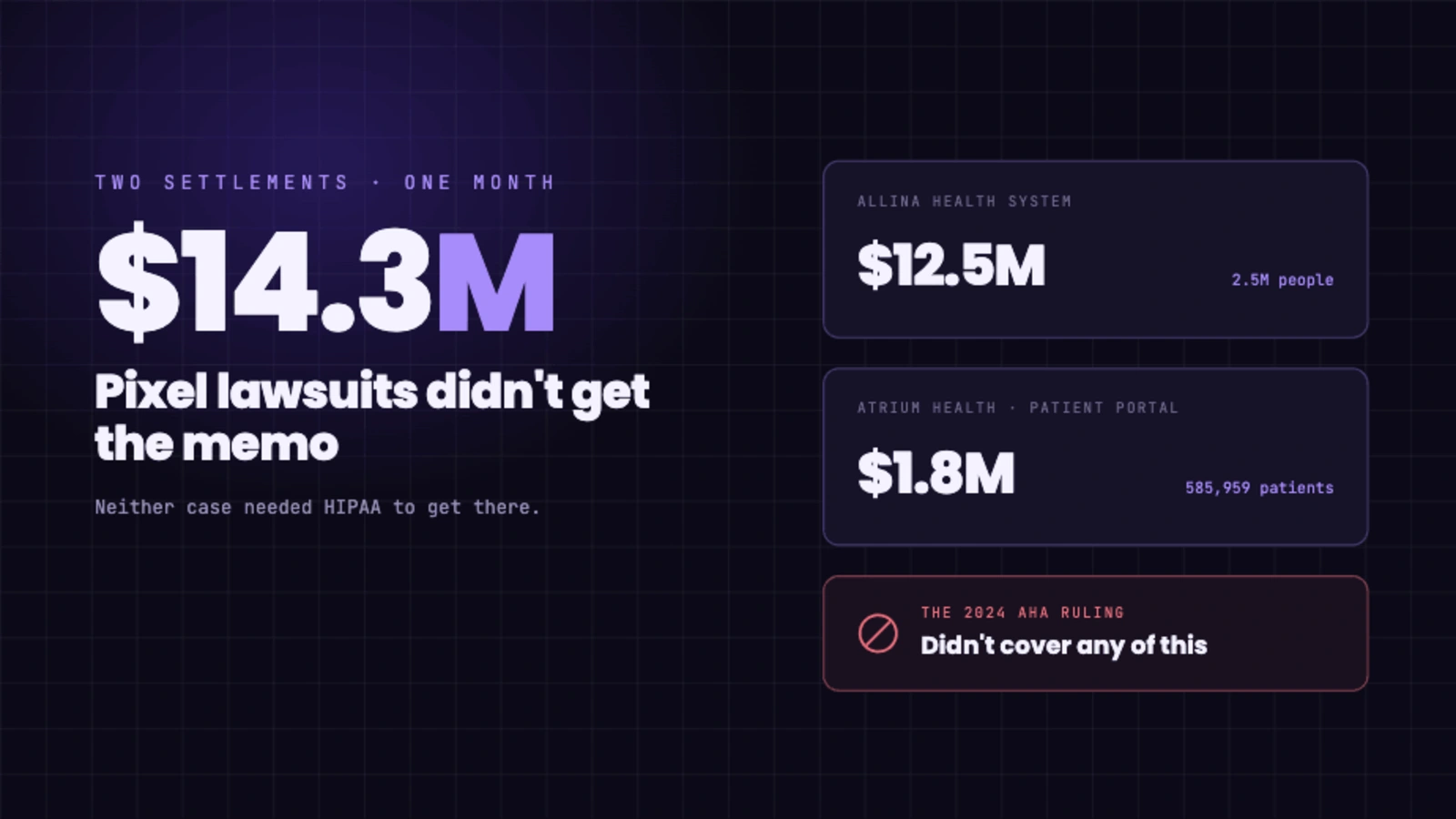
The enforcement around this is not hypothetical. Federal regulators have specifically warned healthcare providers about tracking technologies that send patient data to third parties. The FTC has penalized health companies, including GoodRx and BetterHelp, for sharing health information with advertising platforms. And healthcare organizations across the country have faced tracking-pixel class actions, with health systems paying millions of dollars to settle. A single complaint, from a patient, a competitor, or anyone who looks, is enough to start that process, and a small practice is not too small to be a target.
How to check in a few minutes
You do not need a consultant to find out where you stand. Either ask your web person one direct question, or look yourself.
The question: “Do we have a signed BAA with every analytics and advertising vendor our website sends data to?” If the answer is no, or “I am not sure,” you have your answer.
The look: open your site in a desktop browser, open the developer tools, and watch the Network tab while you click through your service pages and your booking form. If you see data going out to Google or Meta domains, that is patient information leaving without a contract behind it.
How to fix it
The fix has two parts. First, stop sending protected health information to vendors who will not be accountable for it, which usually means removing or properly reconfiguring the default trackers on your site. Second, replace them with analytics built for healthcare: a platform that signs a BAA, keeps your data first-party, does not hand it to advertising networks, and does not collect the identifiers that create the risk.
You do not lose your marketing visibility in the process. You can still see how many people visit, where they came from, and how many booked an appointment. Ghost Metrics was built for exactly this situation, so a dental practice can close the gap without giving up the numbers it relies on.
The math here is simple and one-sided. Closing this takes an afternoon. Leaving it open is an exposure you do not need to carry, for tools that were never built for your field. If you want to see how compliant analytics handles the data, our Trust Center is at security.ghostmetrics.io.