Server-side tagging has a clean, reassuring pitch: move your tracking off the browser and onto your own server, and your privacy problems go away. So teams move Google Tag Manager server-side, check the box, and tell their compliance lead the data is handled now. It is not. Moving the container changes where your tags run. It does not change what data you collect or, more importantly, who ends up holding it.
If you work in healthcare, that distinction is the whole game. Here is what server-side tagging actually does, what it leaves untouched, and why relocating the container does nothing to strip protected health information unless you go out of your way to remove it.
What server-side tagging actually is
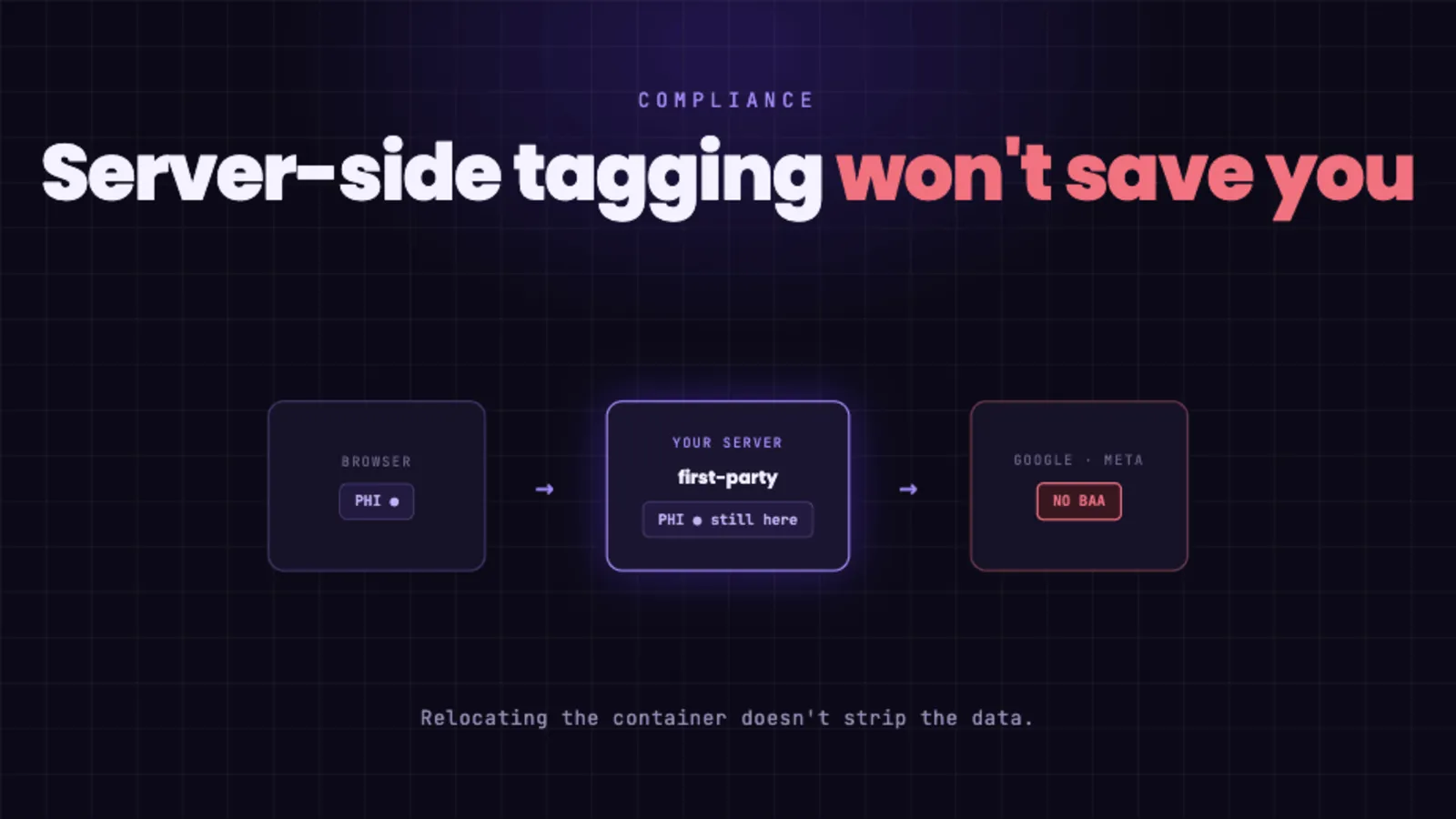
In a normal client-side setup, the visitor’s browser loads tags for Google, Meta, and others, and sends data straight to each of those companies. Server-side tagging adds a step. The browser sends data to a tagging server that you run, usually in your own cloud and often on a first-party subdomain. That server then forwards the data on to the same destinations.
The selling points follow from that middle step. Because the server sits on your domain, it can set longer-lived first-party cookies. Because requests no longer go directly to third-party domains from the browser, ad blockers and browser privacy features intercept less. And because the data passes through infrastructure you control, you can, in principle, inspect and change it before it goes out.
What it genuinely changes
Those benefits are real, and for an ordinary business they are reasons people adopt it. You get a single first-party collection point, more durable measurement, and a place where you could clean up data before forwarding. The key word is “could.” The ability to transform data is the one genuinely useful thing server-side tagging gives you for privacy. Everything depends on whether you actually use it, and how completely.
What it does not change
By default, a server-side container is a relay. The standard server-side tags for analytics and advertising are built to receive events and pass them along to Google, Meta, and the rest, carrying the same payload your client-side tags would have sent: the IP address, the full page URL, the referrer, event parameters, and any identifiers attached to the visit. Relocating the container does not strip any of that. It forwards it.
In healthcare, this means the same problem from the browser version is still happening, just one hop later. A visit to a condition page, tied to an IP address and a persistent identifier, still leaves your environment and arrives at a company that never signed a Business Associate Agreement. Worse, it now happens where you cannot easily see it. With client-side tags, you can open your browser’s network tab and watch the data go out, the way we walk through in Anatomy of a PHI Leak. The server-to-server forwarding in a server-side setup is invisible from the browser, so PHI can flow to third parties with even less chance of anyone noticing.
There is a quiet irony here too. Part of the appeal of server-side tagging is that it gets more data through, past the ad blockers and privacy controls that would otherwise have stopped it. For an online store, that is a feature. For a healthcare site sending data to a vendor with no BAA, it just means the leak is more reliable, not less.
”But we redact the PII server-side”
This is the right instinct, and it is where most compliant-sounding setups fall apart in practice.
To actually strip PHI server-side, you have to anticipate every field that could carry it and remove or sanitize each one: the URL path and query string, the referrer, form-derived parameters, custom dimensions, free-text values, and anything a future campaign or developer adds later. Miss one field, or add a new page type that puts a condition in the URL, and the data flows again. Redaction is a manual, ongoing job, and it fails silently.
Two deeper problems sit underneath that. First, hashing is not de-identification. Sending a hashed email instead of a plain one does not make it anonymous; it is still a stable identifier the receiving company can match to a known person. Second, and most important, fully removing identifiers tends to destroy the reason you sent the data in the first place. The point of forwarding data to Google or Meta is usually to match it back to individuals for ad targeting and conversion attribution. Strip enough to be safe and you have defeated that purpose. Leave enough to be useful and you are still sending identifiable patient data to a vendor with no BAA. Teams resolve that tension by under-redacting, and the tool quietly nudges you toward the non-compliant choice.
The BAA problem does not move with the container
Step back from the engineering and the compliance question is simple. It is not “where does the tag execute.” It is “who ends up holding identifiable data about a patient, and have they agreed to be responsible for protecting it.” Server-side tagging changes the route. It does not change the recipient. Google and Meta still do not offer a Business Associate Agreement for these products, and their terms still tell you not to send health data. A more sophisticated path to a destination that was never allowed to receive the data does not make the destination acceptable.
What actually solves it
The fix is not a better pipe to the same vendors. It is to stop sending protected health information to companies that will not stand behind it, and to use analytics that was designed for this from the start.
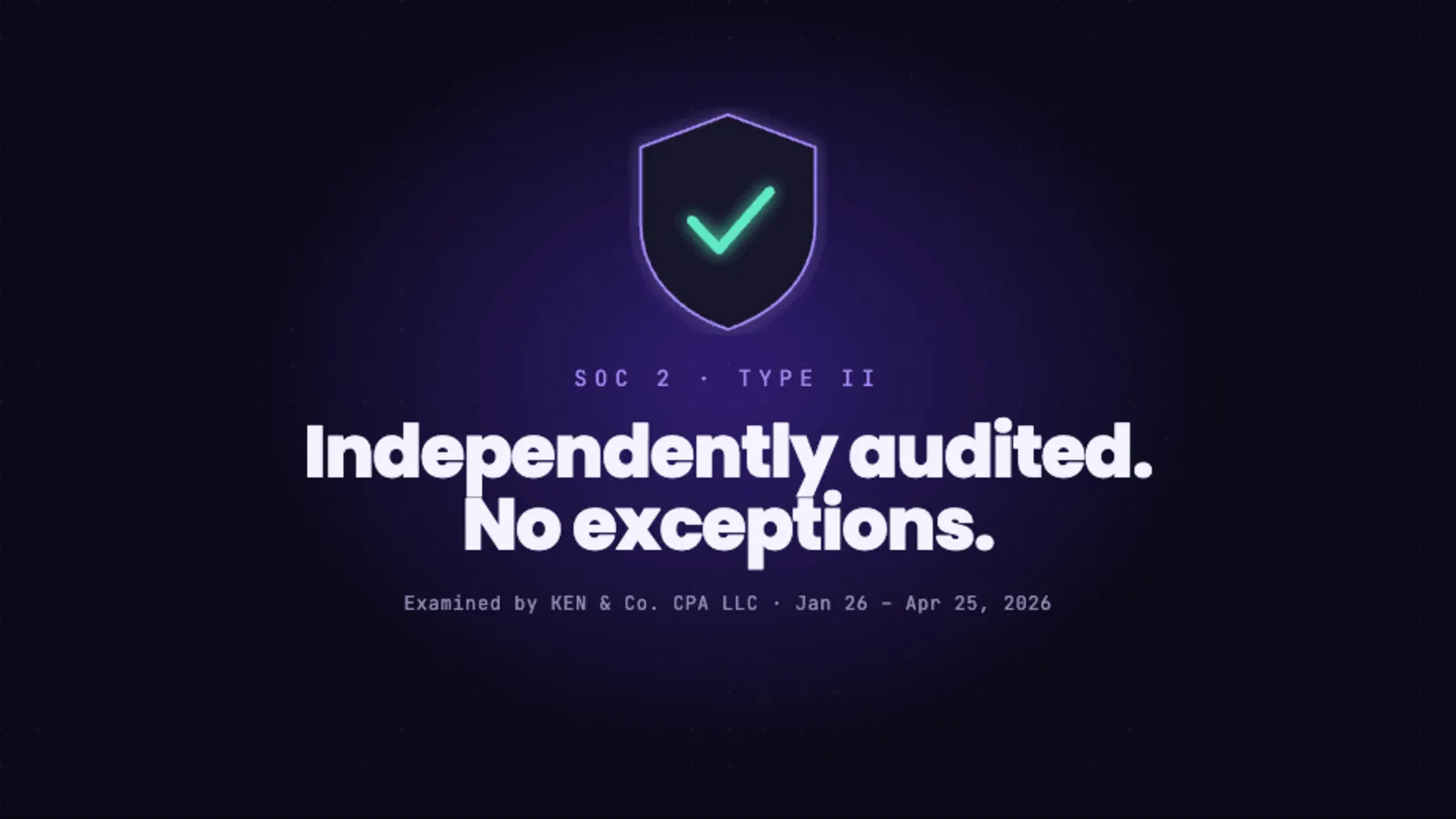
That means a platform that is first-party by default, that signs a BAA, that does not forward or sell your data to advertising networks, and that does not collect the identifiers that create the risk in the first place. Ghost Metrics is built exactly that way. Your data stays inside a system that is actually responsible for it, under controls that were independently examined in our SOC 2 Type II audit, and you still get the traffic, source, and conversion reporting your marketing needs.
Server-side tagging is a legitimate technique with legitimate uses. It is a data-routing tool, not a compliance control. If the destination is wrong, moving the container just builds a cleaner road to the wrong place. You can see how we handle data at security.ghostmetrics.io.
If you are weighing replacements rather than relays, we keep a shortlist of what actually carries a BAA, vendor by vendor, with the plan the BAA comes on and the price attached.